Watch the related home-gym guide
 Watch on IZEM
A short companion video for the same equipment-first planning problem.
Why home gym workouts break inside generic apps
Most home gyms are oddly specific. One adjustable bench. Two dumbbells that are heavy for presses but too light for squats. Bands without a safe anchor. A doorway pull-up bar that works only when the hallway is clear. The problem is not lack of equipment. The problem is that a generic plan treats your setup like a category instead of a set of constraints.
The difference between a usable home workout and a pretty plan is usually one small dependency. A dumbbell bench press needs a bench, a band row needs an anchor, a heavy hinge needs enough load, and floor work needs space you can actually use. A serious app should ask about those dependencies before it hands you a routine.
What you own, what is reachable, and what is safe to use today.
Bench, rack, anchor, door frame, floor space, ceiling height, and noise limits.
What repeatedly fails, then what the plan should change next week.
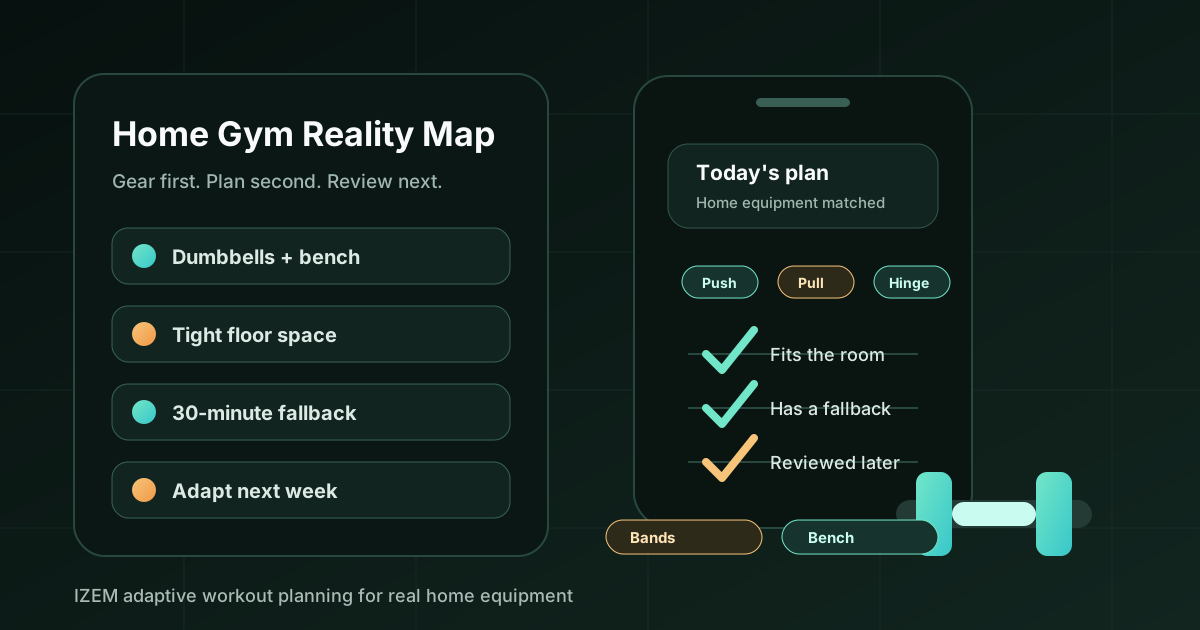
Home Gym Reality Map
Use this browser-only card before comparing any adaptive workout app. It turns your setup into the questions an app or coach needs to answer.
The six checks an adaptive app should pass
A home-gym workout app does not need to be complicated. It needs to be honest about what your setup can and cannot support. Use these checks before trusting the app with your next month.
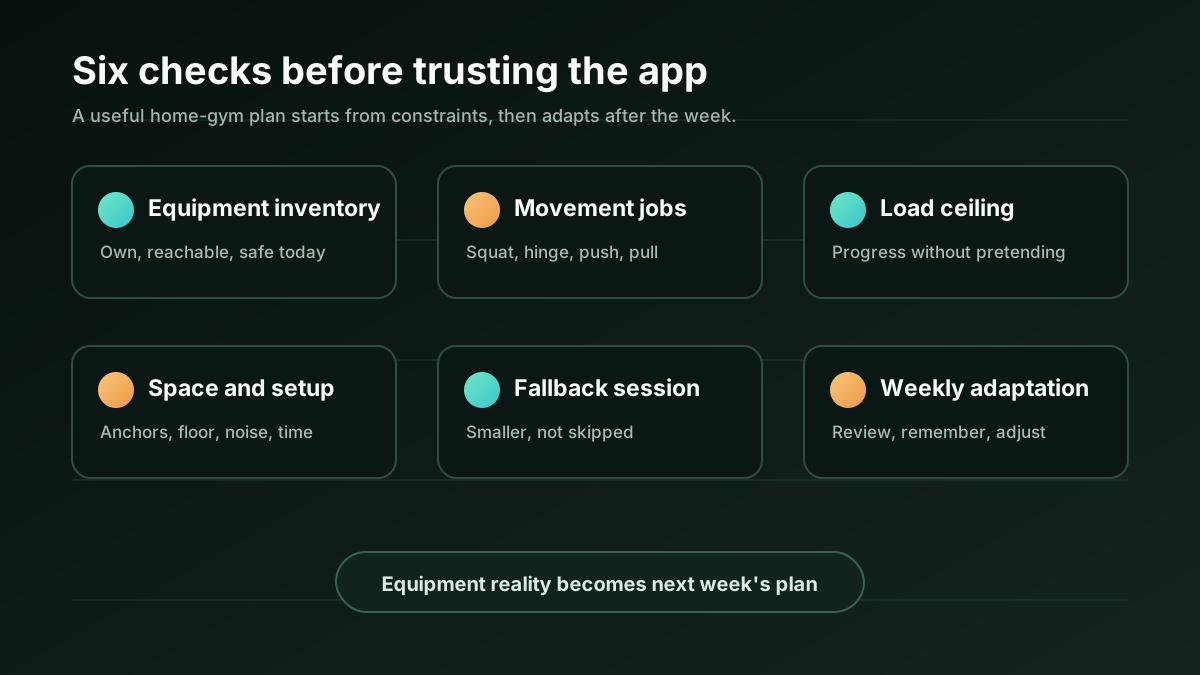
| Check | Good answer | Weak answer |
|---|---|---|
| Equipment inventory | Asks what you own and lets you correct the list. | Assumes a generic home gym or a perfect full gym. |
| Movement jobs | Covers squat, hinge, push, pull, core, carry, or conditioning based on your goal. | Lists random exercises because they match the equipment tag. |
| Load ceiling | Changes tempo, reps, unilateral work, range of motion, or exercise choice when weights are light. | Pretends a 20 lb dumbbell can solve every lower-body problem. |
| Space and setup | Considers floor space, anchors, noise, ceiling height, and setup time. | Gives exercises that technically fit the gear but fail in the room. |
| Fallback session | Offers a smaller version that keeps the purpose of the day. | Treats a shortened workout as a skipped workout. |
| Weekly adaptation | Uses completed sessions, misses, food context, review notes, and recurring friction to adjust next week. | Keeps printing the same plan after the same blocker appears. |
Camera scanning helps only if the plan changes
Camera or gym-equipment scanning can reduce setup friction, but it is not magic. The useful version confirms the equipment list, asks what you can safely use, and lets the plan adapt from that context. Recognition alone is just inventory. Coaching begins when the session changes.
For example, if the app sees dumbbells, a bench, and bands, it still needs to know the weights, your experience, the movement pattern for the day, and whether bands can be anchored safely. If the gear is too light for heavy lower-body work, the app should say so and use a different training lever rather than pretending load does not matter.
Where IZEM fits
IZEM is positioned as a premium AI personal trainer and accountability coach, not a cheap tracker. The product is built around the loop that home training often needs: workout planning, practical meal planning, food scanning, body-progress scanning, gym-equipment context, proactive AI calls, day reviews, coach memory, and weekly adaptation.
At around $24.99/month, with the annual plan as the best value, IZEM makes the most sense when you want the app to carry the planning burden. You still need common sense, enough space to train safely, and qualified human help for pain, injury rehab, medical nutrition therapy, or hands-on form coaching. The promise is not that a camera sees everything perfectly. The promise is that you do not have to keep rebuilding the plan alone when real life keeps changing it.
FAQ
What should an adaptive workout app ask about home gym equipment?
It should ask what equipment you can actually use, what each item depends on, your load limits, available space, session length, experience level, and what fallback should happen when the planned workout is too large for the day.
Is camera equipment scanning necessary?
No. A clear manual equipment list can work. Camera scanning becomes useful when it helps confirm available gear, remember constraints, and adapt future workouts, but the app should still let you review and correct the inventory.
Can a home gym app build useful workouts with limited equipment?
Yes, for general fitness and strength work, a useful app can build sessions around dumbbells, bands, bodyweight, a bench, a pull-up bar, or a compact home setup. It should also explain when the equipment is too limited for a specific goal.
When is a human trainer still the better choice?
Choose a qualified human professional when you need live form correction, injury rehabilitation, diagnosis, medical nutrition therapy, or supervision for high-risk technical lifts. An app can support general planning and accountability, but it should not pretend to replace those jobs.
Source notes
Live source review for this refresh focused on the current equipment-aware app landscape and how competitors talk about home or limited-equipment training. Exact Search Console query rows were unavailable in this run, so no private query text is printed here.
Let the plan remember your real setup
IZEM is built for people who want a coach to call, review the day, and adapt the workout and meal plan around the equipment, time, and energy they actually have.